Technical tips for base PlayStation 5 owners: how to improve gaming performance
Gamers encountering frame drops and motion blur on the base PlayStation 5 can utilize specific console and in-game settings adjustments.
 👥Society
Photo: RBC-Ukraine
Key points
- Clearing system cache in safe mode
- Disabling HDCP for improved stability
- Adjusting motion blur and HDR settings
- Overcoming base console graphical limitations
The release of demanding, high-end video games often exposes hardware limitations on standard-generation consoles. When running resource-heavy titles on the base PlayStation 5, users frequently report stuttering, dropped frame rates, and unexpected application crashes. While upgraded hardware variations handle intense graphical loads more gracefully, the standard console remains the primary gaming device for a vast majority of users worldwide.
Practical steps to enhance system performance
To mitigate technical glitches and achieve smoother gameplay, tech experts recommend performing specific maintenance steps. Clearing the system cache and rebuilding the database via the console's safe mode can effectively resolve persistent crashing issues. Additionally, disabling the HDCP setting within the HDMI configuration menu may help reduce sudden micro-stutters during intense action sequences.
Regarding visual clarity, the base model relies on spatial upscaling rather than advanced native hardware features, which can sometimes introduce a noticeable blur effect. Players are advised to manually adjust motion blur intensity, recalibrate HDR settings, and ensure that their external displays have dedicated gaming modes enabled to minimize input lag and optimize overall image quality.
Source RBC-Ukraine — rbc.ua/ukr/news/gta-6-ps5-mozhe-pratsyuvati-krashche-ki-nalashtuvan… ↗
Read next
 🎭Culture & Sport
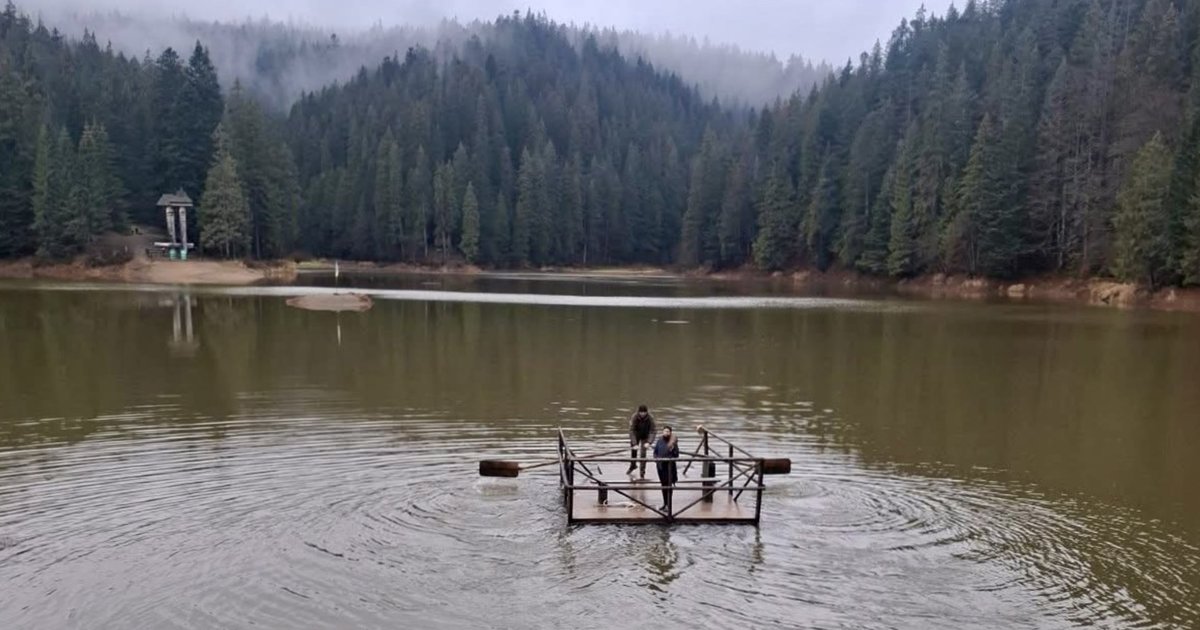
Water level in Lake Synevyr rapidly recovers after autumn decline
The famous Carpathian water body has regained two meters of water level just days after hitting an October low.
 🛡️Security
Massive Strikes on Ukraine's Energy Sector Leave Major Cities in Darkness
A fresh wave of attacks on energy infrastructure has caused widespread blackouts in Dnipro, Odesa, and surrounding areas.
 🏙️City
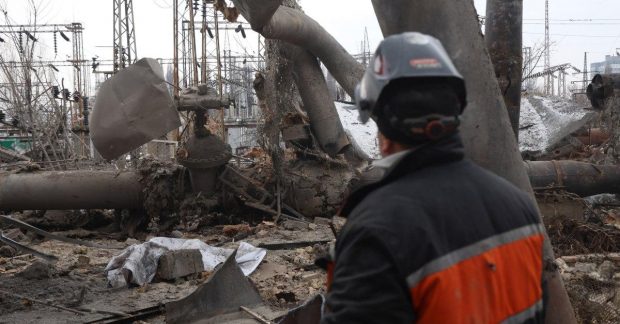
Military specialists to assist in restoring energy infrastructure
The government plans to engage military engineers and electricians to speed up repairs on energy facilities damaged by Russian strikes.
 🚌Transport
Speed Limits in Uzhhorod: How Automatic Enforcement and TruCAM Systems Work
Drivers are reminded that modern speed enforcement devices can track violations from significant distances, making last-minute braking ineffective and dangerous.
 🩺Health
Expensive Cold Medicines: Is It Worth Overpaying for Popular Brands in Pharmacies
Experts point out that expensive combination cold medications are often no more effective than regular paracetamol. Marketing and aggressive advertising frequently drive …
 🚌Transport
China Completes Construction of Unique Bridge Over 400-Meter Canyon
Chinese engineers have connected the structure of the Gunyuhe Bridge, one of the world's highest, marking a major milestone in highway construction.